What is Ownsite?
Ownsite is one person's own place on the internet, on their own domain. It can be anything they want it to be: public pages for the world, like a home page or a blog, and private apps only they use, like a journal or a spending tracker. They shape it themselves, or ask the AI they already use, such as ChatGPT or Claude. Every change stays a draft until they publish.
Can ChatGPT or Claude edit my Ownsite?
Yes. You connect them in a few clicks: you sign in to Ownsite and approve the connection, the same way you approve "Sign in with Google", so you never give your AI a password. It then works within the permissions you set. Ownsite does not see or store your conversations with your AI, only the actions it takes on your site. (For the technically curious: Ownsite has an MCP server with OAuth, so any MCP client works.)
Can I make a private app just for me?
Yes. A page can be a Private Page that only you see, inside your app, and it can store what you add. Ask your AI for something like a monthly spending tracker or a habits page: it makes the page, and the page keeps your entries. It never shows on your site unless you make it public.
Do I have to use AI?
No. You can write, design and publish everything yourself in the app. AI is something you connect when you want it, and the journal is closed to it by default.
Is it safe to let an AI edit my website?
Yes. Nothing an AI changes is public until you approve it, you can always go back to an earlier version, and you decide which parts of your site it may touch. The journal is closed to AI unless you open it.
Will an AI publish something without me?
Not unless you allow it. Every change an AI makes is a new draft. Visitors see it only after you press Publish, or after the AI publishes it with a permission you gave.
Can I undo an AI change?
Yes. Every version of every page is kept, and an AI can never delete one, so you can restore any earlier version.
Can an AI read my journal?
Only if you open it to AI. The journal is a private page and is closed to AI by default.
Do I need my own domain?
No. Your site starts at yourname.ownsite.me. When you want your own name, like you.com, you buy it from any domain company and point it at Ownsite with a few settings the docs walk you through. Anything else you use it for, like email, keeps working.
Can I take everything with me?
Yes. One button in your app downloads your whole site as a single .zip file: every post as a Markdown file with its title, date and categories in front matter and its photos beside it, every journal entry, and your pages with what is on them. Posts open in any text editor and in static site tools like Hugo or Jekyll. Your domain stays at your registrar, so your address is always yours too.
Can I bring my posts from WordPress?
Yes. Your WordPress posts and photos can come with you when your invite arrives.
Does Ownsite show ads?
No. There are no ads, no feed and no algorithm. People see what you post, in the order you post it.
How much does Ownsite cost?
One plan: $8 a month, or $80 a year. It includes your home page, blog, a private journal, as many public or private pages as you want, your own domain, and connecting any AI app at no extra cost. Everyone who joins the waitlist gets $10 of credit and keeps the launch price for as long as they stay.
How do I start?
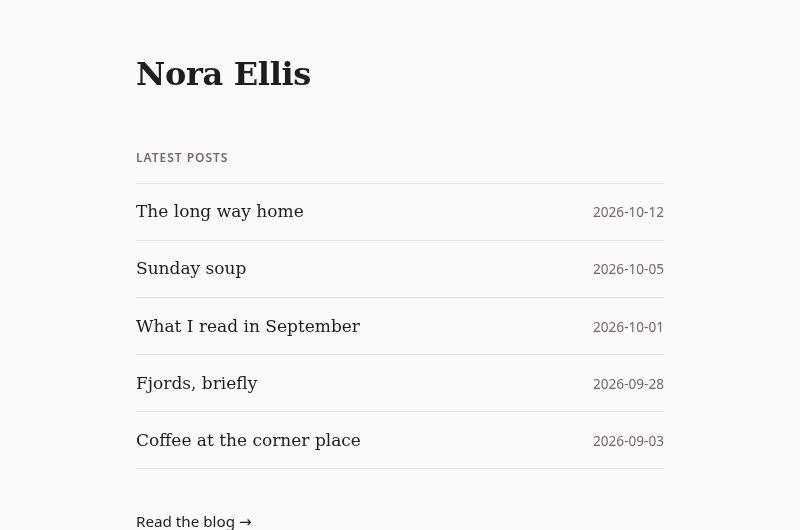
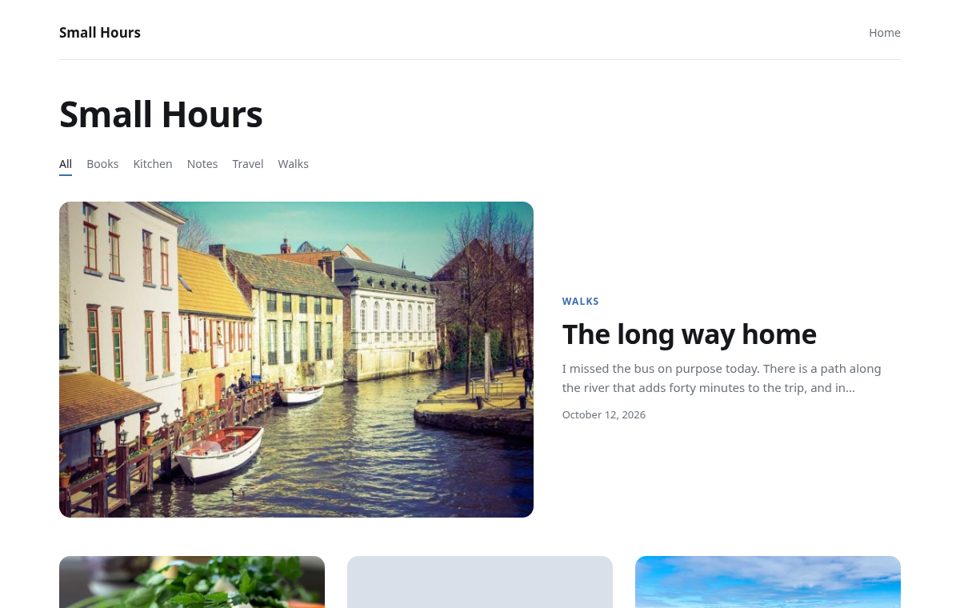
Join the waitlist on ownsite.me. Ownsite opens in waves, and you get an email when your invite is ready. Until then you can try the app with sample content at app.demo.ownsite.me, and see what visitors see on a sample site at demo.ownsite.me. Neither needs an account.